
Turn hesitant visitors into qualified calls. With VoxoLib's web callback, a call back button on your site lets prospects be called back within seconds — at the exact moment they are ready to buy, and at no cost to them.

On most websites, the majority of visitors leave without ever making contact. Web callback — also known as instant callback or click-to-call — closes that gap: in one click, the visitor enters their number and is called back by your team, with no waiting and no premium-rate number. You capture the leads your contact forms were letting slip away.

Instant or scheduled, the callback button fits into your site as a popup, an overlay or an embedded form, and works on every screen size. The result: a higher average order value, fewer abandonments and a more human customer relationship — with no software to install and no change to your existing phone system.
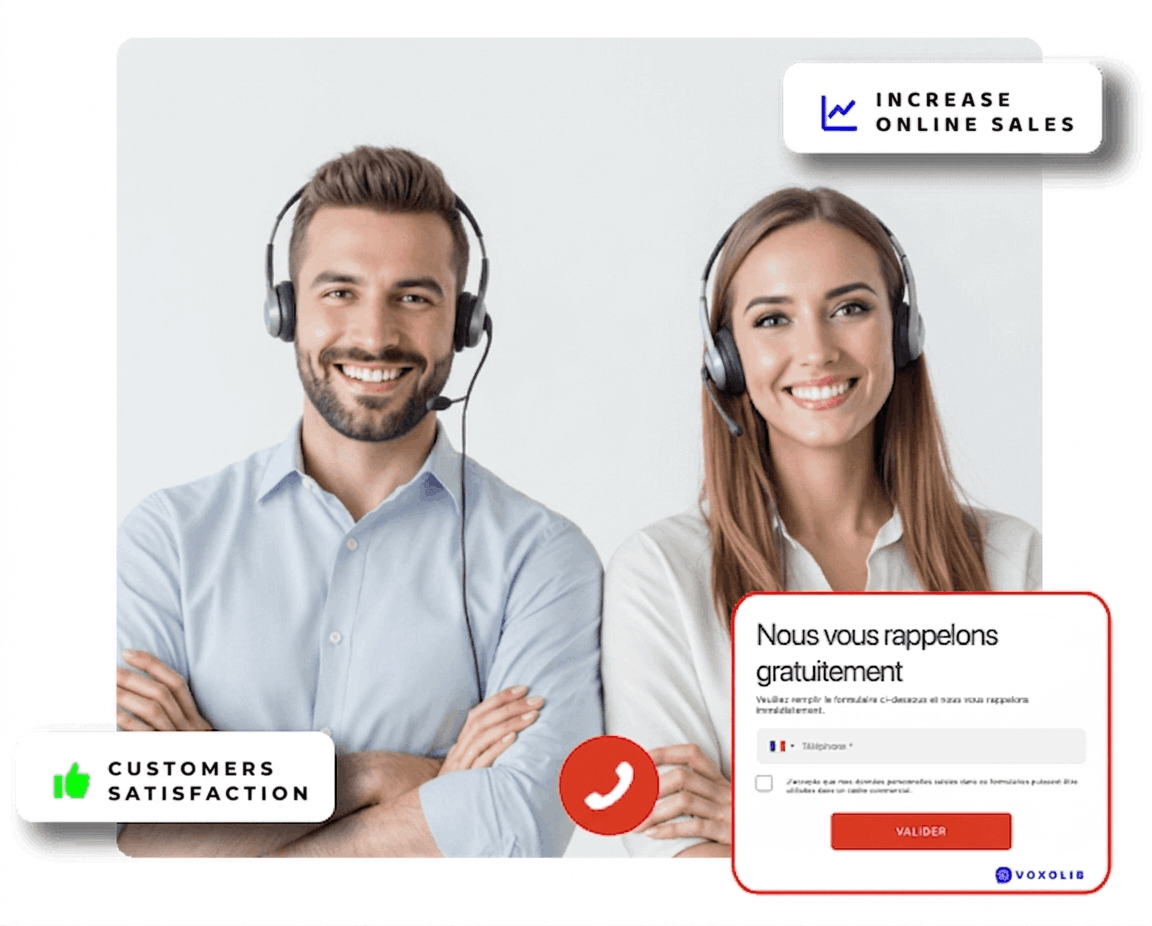
VoxoLib web callback widget on a website, with two advisers ready to call back

What is web callback?

Web callback — also called click-to-call or instant callback — is a call back button you add to your website. In one click, your visitor enters their phone number and is called back free of charge within seconds by one of your advisers. You turn a hesitant visitor into a phone conversation at the precise moment their interest is highest.

Unlike a phone number simply displayed on a page, web callback takes the initiative: you place the call, at no cost to the visitor. That removes both the cost barrier and the waiting barrier. The result is more qualified leads, fewer abandonments, and a genuinely more human customer relationship.

How does web callback work?

You add a web callback button to your pages — as a popup, an overlay or a form embedded in your content. When a visitor asks to be called back, VoxoLib instantly connects your contact centre to the prospect over the standard telephone network, with no software installation and no change to your telephony. The callback can be immediate, or scheduled so the visitor picks a time that suits them.

Not every solution on the market works this way: some require software to be installed, others limit themselves to click-to-call from within a CRM. We reviewed the main web call back solutions available in France against the criteria that genuinely make a difference: callback speed, data hosting, CRM integration and pricing model.

Why web callback works

Increase your online sales

The average website conversion rate sits at around 2.35% across all sectors. That is a low figure, and it makes every tool that lifts it worth having.
Visitors who use a web callback have been shown to spend around 20% more on average than unassisted buyers.

Reduce your abandonment rate

Being able to reach your visitors immediately, and at the right moment, has become decisive. Web callback lets you offer that level of service and meet customer expectations — and can cut site abandonment by up to 25%.

Make your customer relationship human again

Let the visitors on your site reach a real person, and answer their questions directly.
Offering a free, immediate phone connection rolls out the red carpet for your future customers and gives them an experience most websites simply do not provide.

Main features of Web Callback

VoxoLib's free, instant callback service comes with everything you need to be operational quickly and without complexity. Below is a non-exhaustive list of its main features.

No software to install

VoxoLib web callback is delivered as a hosted SaaS service. There is no hardware to install on your IT side: everything runs online through a standard web browser.

Opening-hours management

Because answering every call matters, VoxoLib includes simple, effective management of your contact centre's opening hours. You can define as many time slots as you need for each of your click-to-call links — by activity, by team or by time zone.

Complete reporting

With VoxoLib you can track and measure every call flow. Data is generated live and permanently available, viewable as tables or charts, and exportable in several formats for further analysis.

Custom data fields

To measure your return on investment as precisely as possible, you can add your own data fields and build the statistics that matter to your business.

Three display modes

Every site is different, so the VoxoLib callback button can open in several ways: as a traditional popup, as an overlay above your page, or as a form fully embedded in your content.

Your branding

When customers contact you, they should recognise you immediately. With VoxoLib, callback windows can carry your colours, your logo, an image or a banner — and you can set a spoken welcome message played during the call.

Abuse protection

To guard against phone abuse, VoxoLib includes a tool that lets you block specific users from requesting callbacks, so your team's time goes to genuine prospects.

No change to your contact centre

Setting up our services requires no reconfiguration inside your contact centre. Calls reach you over the standard telephone network, as ordinary inbound calls you already know how to handle.

📊 Also worth reading: Web call back: 5 best callback solutions compared — features, data hosting and pricing of the main vendors, compared point by point.

Frequently asked questions about web callback

Is web callback free for the visitor?

Yes. You call the visitor back, so the call is completely free for them — no premium-rate number, no waiting time. It is one of the main reasons web callback removes the friction that stops people from getting in touch.

What is the difference between instant and scheduled callback?

An instant callback connects your visitor within seconds. A scheduled callback lets them pick a time slot to be called back when it suits them. VoxoLib offers both.

Do I need to install software or change my phone system?

No. VoxoLib's web callback is fully SaaS: you simply add a button to your website. Calls arrive at your contact centre over the standard telephone network, with no change to your existing telephony.

Does the web callback button work on mobile?

Yes. The button adapts to every screen — desktop, tablet and mobile — and can take the form of a popup, an overlay or a form embedded in your content.

How do I choose a web call back solution?

Four criteria make the difference: the callback speed actually delivered, where the data is hosted, how well the tool integrates with your CRM, and the pricing model — subscription or pay-per-call. We break these down for the main vendors in our web call back solutions comparison.

We are here to help

We are available to look at your requirements and answer your questions. Get in touch so we can study your project and put together a suitable quote.